A real desktop shell
BIOS boot animation, lock/login screen, wallpaper engine, window manager with snap and z-order, start menu with search, notification center, quick settings and full power states.
GoBrowse Studios presents
GoBrowserOS boots a complete desktop — window manager, taskbar, 14 apps, real Wi-Fi & Bluetooth — inside Chromium. Run it as an app, on a USB stick, from an ISO, or in a browser tab.
What you get
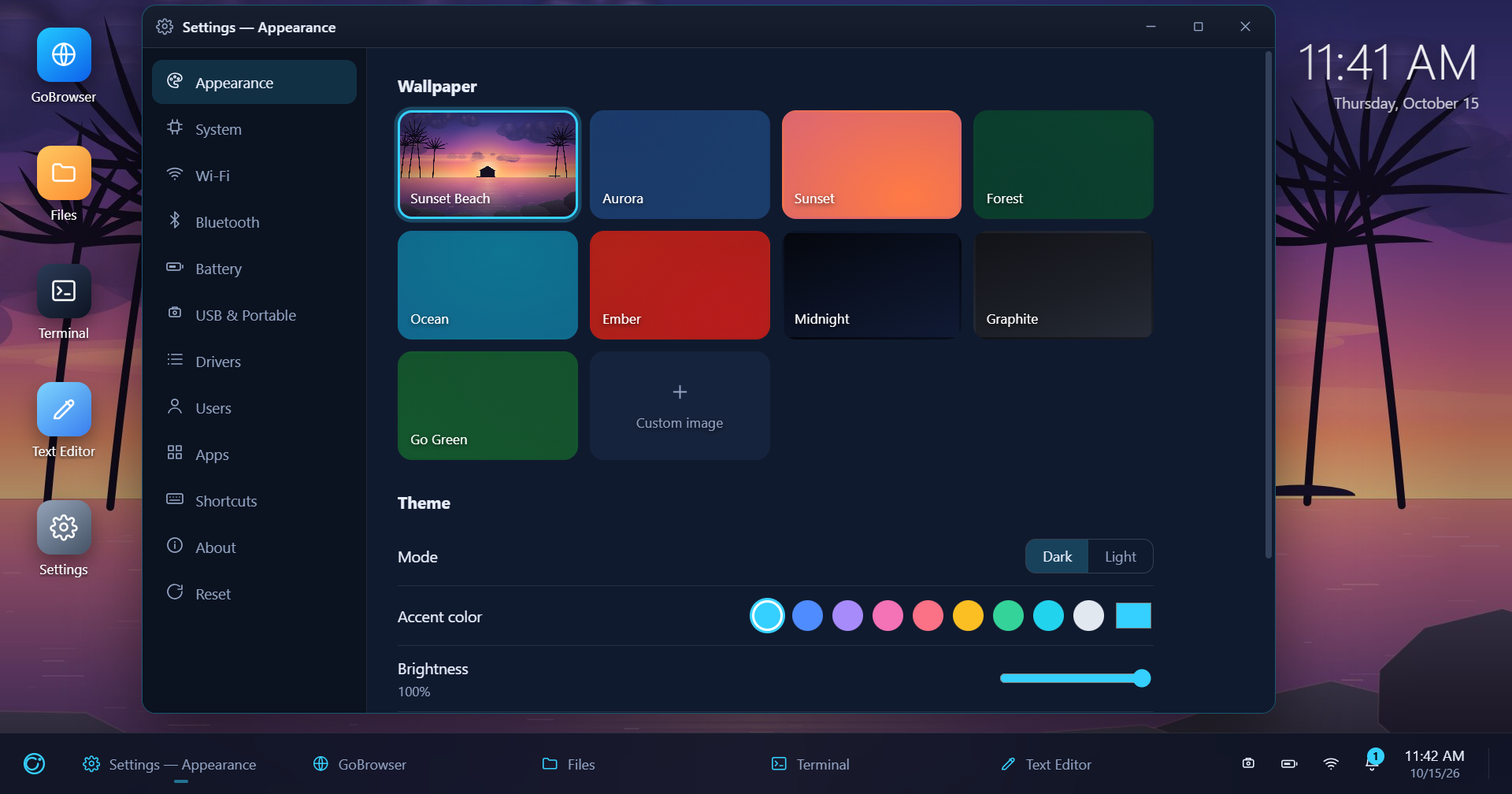
BIOS boot animation, lock/login screen, wallpaper engine, window manager with snap and z-order, start menu with search, notification center, quick settings and full power states.
Files, Terminal, Text Editor, Settings, Calculator, Notes, Viewer, Task Manager, Paint, Snake, Clock, Web Apps, GoBrowser and the GoBrowse Studios Store — all functional, zero installs.
Wi-Fi scan & connect with WPA2–WPA3 profiles, Bluetooth discovery and pairing, live battery status and a signed-driver inventory — wired into the quick panel and taskbar.
Drop the portable exe on a stick and your whole desktop — state and Home folder — lives on it. Plug in to resume, unplug for the USB-REMOVED layer, one-click eject when you go.
npm run dist gives you an installer and a self-contained
exe; npm run iso burns a labelled data disc with the
portable app, autorun and a readme.
The same desktop boots as your browser's new tab. Load
extension/dist unpacked in Edge or Chrome and GoBrowserOS
runs inside the browser itself.
New in 1.0
GoBrowserOS speaks to real hardware, not mock data — via a native WinRT/WMI helper and Windows' own tooling.
netsh (WPA2 & WPA3)gos.wifi, gos.bt, gos.battery, gos.drivers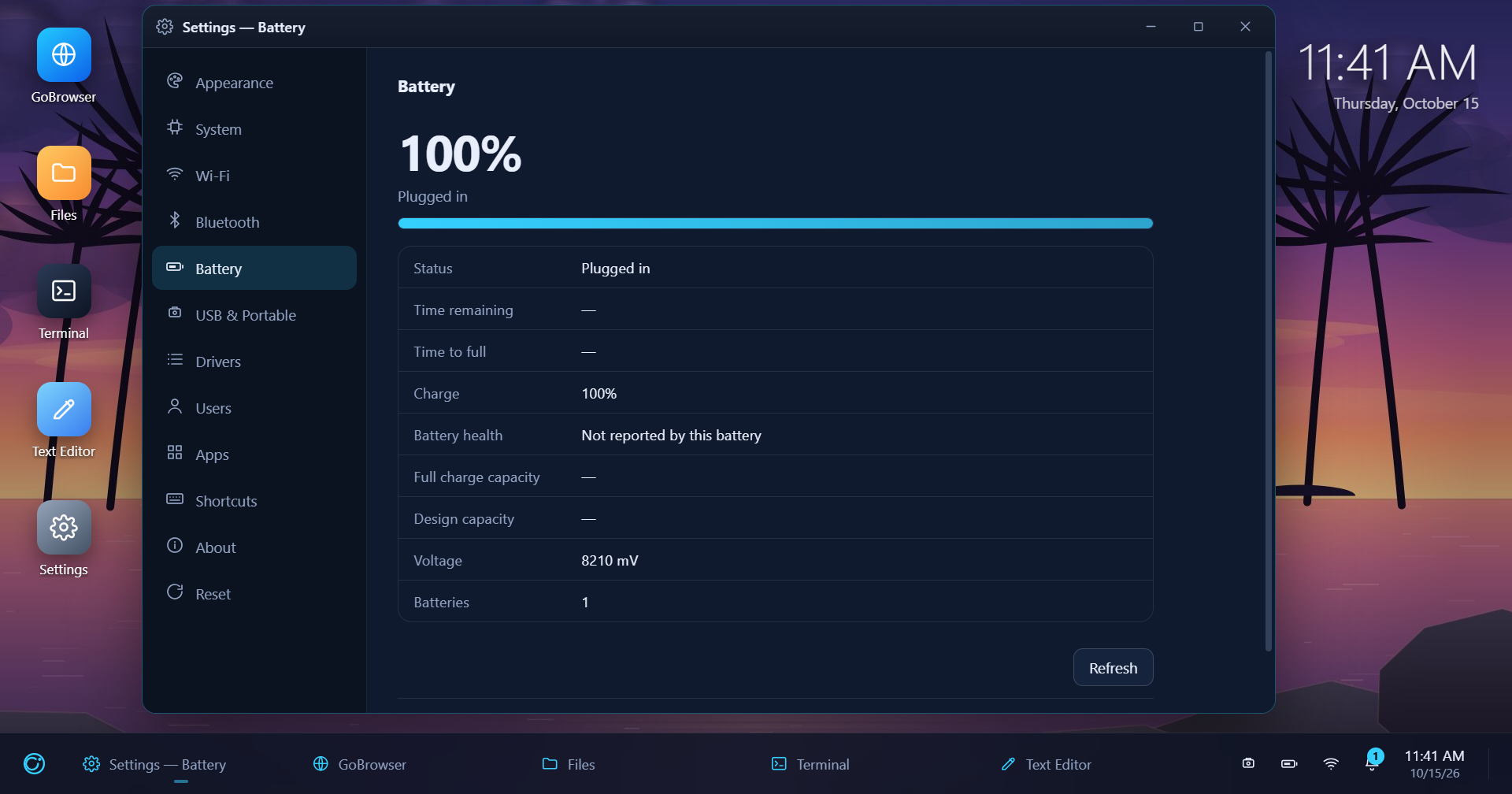
All functional
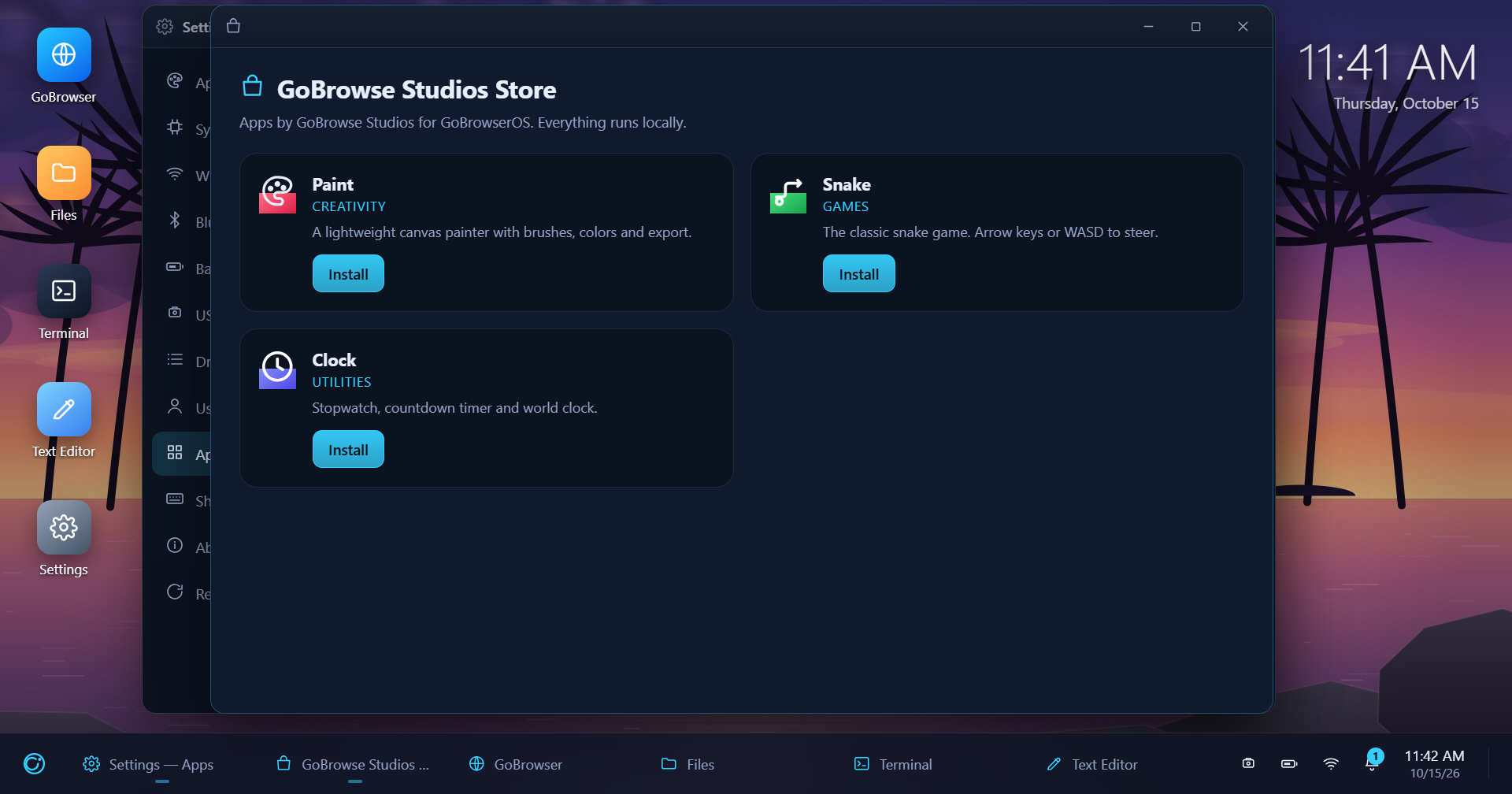
Paint, Snake and Clock install from the built-in GoBrowse Studios Store — apps run locally, no accounts, no telemetry.
Files works against the real filesystem, Terminal streams to the real system shell, and Task Manager graphs live Electron process metrics.
Watch
The 45-second cinematic trailer — hard cuts, kinetic titles, app montage.
Slow crossfades, ambient soundtrack and the new connectivity beat.
A 1:15 walkthrough — plug in, launch from E:\, work, safely eject.
Get GoBrowserOS 1.0.0
Setup wizard for Windows 10/11. App data in your user folder.
One self-contained file. Run it anywhere — drop it on a USB stick.
Data disc with the portable app, autorun and readme. Mount or burn.
# boot the desktop straight from source
npm install
npm start

# packaging
npm run dist           # installer + portable exe
npm run dist:portable  # portable exe only
npm run iso            # disc image
npm run ext            # MV3 WebExtension build